
Protection
Configure Citadel security
Choose challenge levels and review allowlists, blocklists, and rate limits.
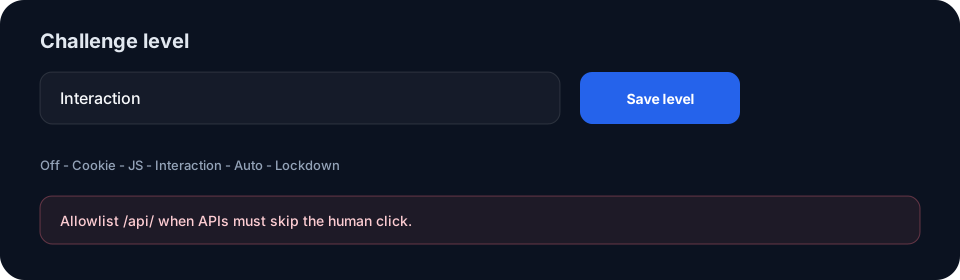
Set a challenge level
Open a domain's Security page, choose Off, Cookie, JS, Interaction, Auto or Lockdown, then select Save level. Existing browser sessions must verify again after a level change. Balanced and Strict protection profiles provide preset bundles.
- Off applies no browser challenge while configured rate limits and blocklists can still apply.
- Cookie and JS use lightweight browser checks.
- Interaction requires a human click.
- Auto escalates during an attack and heals when traffic calms.
- Lockdown passes only allowlisted clients.
Protect machine clients
APIs and webhooks cannot complete a human click. Add specific path, IP or User-Agent allowlists, especially before using Interaction or Lockdown. Review rate limits, blocklists and incident controls on the same Security surface.